Read Japanese books
without getting stuck on grammar.
Point your phone at a page and the grammar in each sentence lights up. Tap one to see its meaning, usage, examples and the grammar it is easily confused with.
How it works
Read a page in three steps
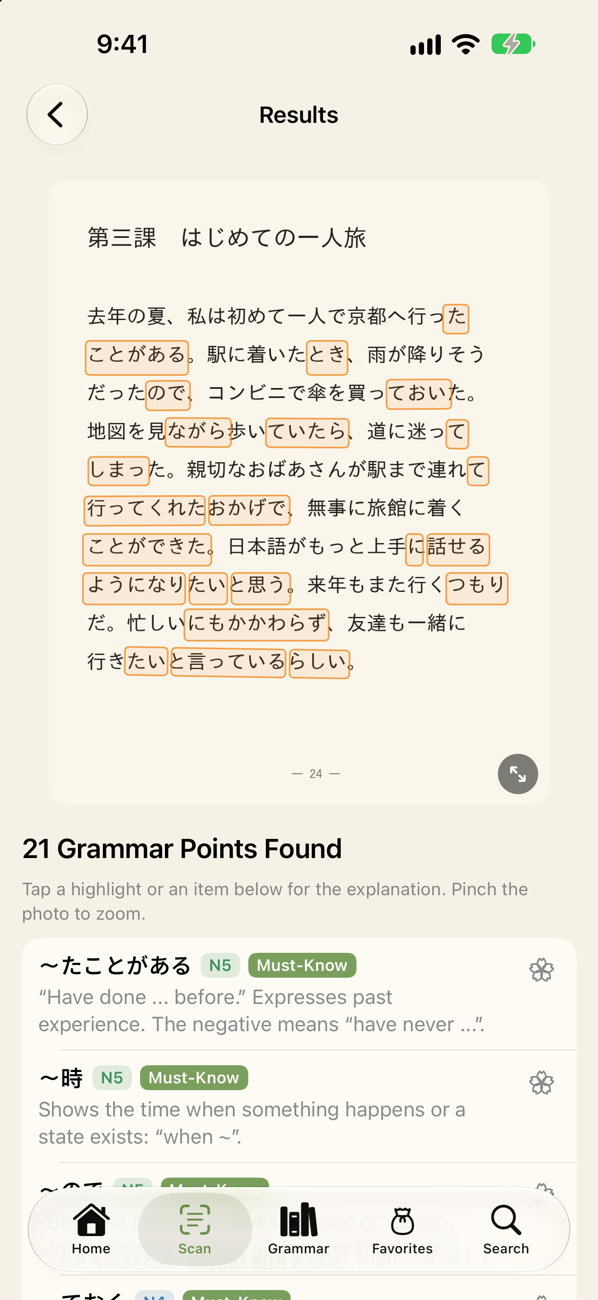
Snap
Point the camera at a page, or pick a screenshot from your library. Text recognition runs entirely on your phone, so it works offline.
Tap
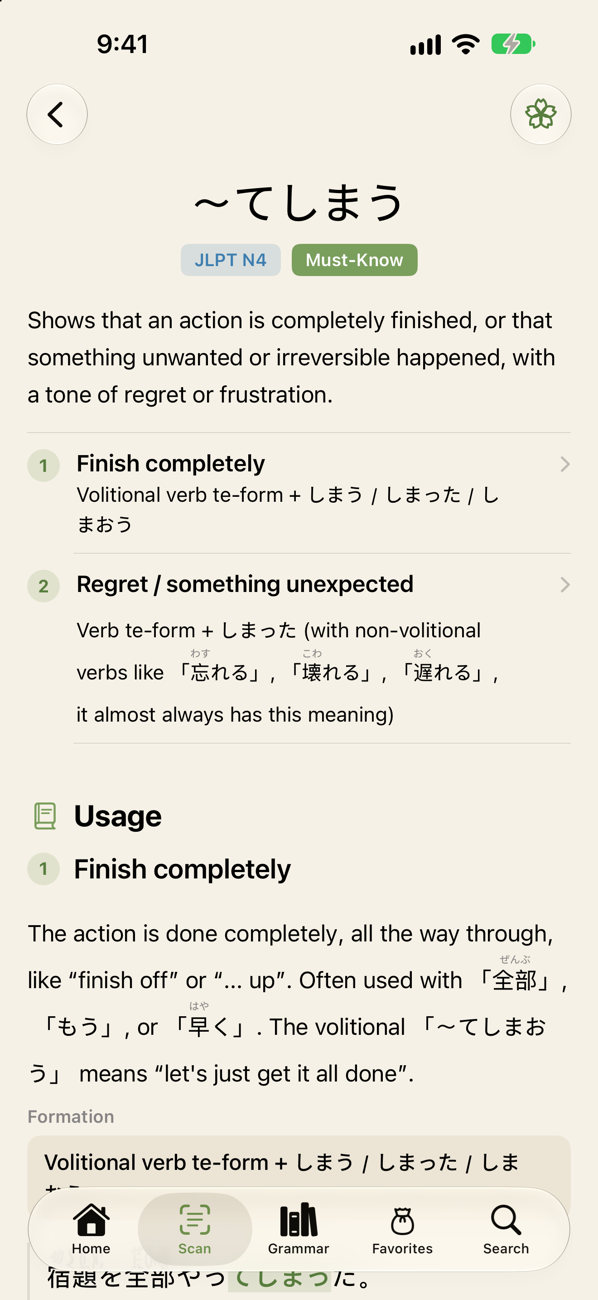
Tap a highlighted grammar point to see its meaning, formation and examples. Grammar that looks alike or means nearly the same is compared side by side, so you can tell them apart.
Remember
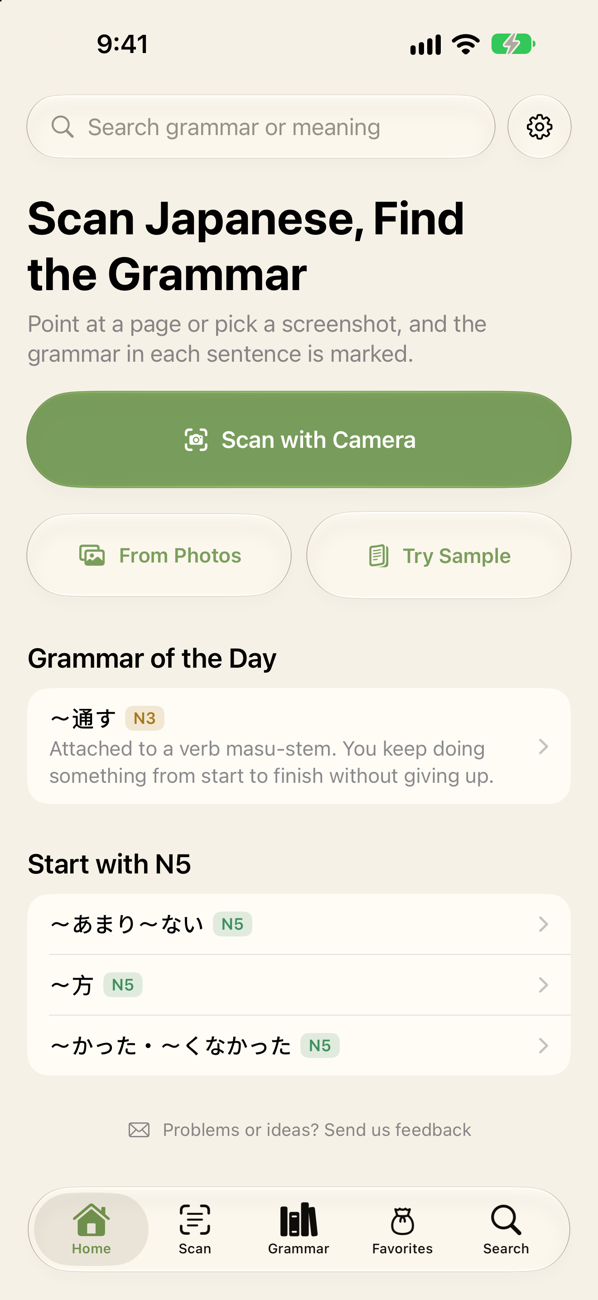
Grammar you look up is scheduled for review before you forget it. When it is time, the home screen reminds you, and you can keep favorites in your collection bag.
Privacy
No images are uploaded and no account is needed. Only anonymous usage statistics and feedback you choose to send are collected.
Read the privacy policy →Feedback
In the app, open Settings → Feedback to send me a note with a screenshot. I read every one.
Or send an email →Languages
Explanations in 简体中文, 繁體中文, English, 한국어, Español, Tiếng Việt and မြန်မာ, following your phone language.